Section outline

    • To open the link, click HERE.


    • 📚 Basic Technology Glossary 


      • Text/Message: Write short words to friends (e.g., "Can we meet?").

      • Watch a video: See moving pictures on YouTube or TikTok.

      • Search for information: Look for answers on Google.

      • Take a photo: Use your phone’s camera.

      • Share: Send pictures or news to others.

      • Listen to music: Play songs on Spotify.

      • Use maps: Find streets with apps like Google Maps.

      • Play a game: Have fun with apps like Candy Crush.

      • Video call: See and talk to someone far away (e.g., WhatsApp).

      • Set an alarm: Make your phone ring to wake you up.

      • Charge: Connect your phone to electricity to get more battery.

      • 📤 Upload: To send or transfer data (like photos, documents, or videos) from your device to the internet or another device.

      • 📥 Download: To receive or save data (like files, music, or apps) from the internet or another device onto your device.

      • 📁 File: A digital container that holds information (data) on your device. Think of it like a folder for your photos, documents, or music.

      • 📊 Data: Raw facts, numbers, or information stored in files. Data becomes useful when organized (e.g., words in a document, temperatures in a weather app).

      More words  

      1. App (noun) /æp/
      Meaning: A program on your phone or computer for doing specific tasks.
      Example: "I use a weather app to check the rain. 📱☔"
      2. Browser (noun) /ˈbraʊ.zər/
      Meaning: Software to open websites (e.g., Chrome, Safari).
      Example: "Open your browser to watch YouTube. 🌐▶️"
      3. Charge (verb) /tʃɑrdʒ/
      Meaning: To give power to a device with electricity.
      Example: "I charge my tablet every night. 🔋"
      4. Cloud (noun) /klaʊd/
      Meaning: Online storage (not your device!).
      Example: "Save photos to the cloud so you don’t lose them. ☁️📸"
      5. Install (verb) /ɪnˈstɔːl/
      Meaning: To add software to your device.
      Example: "Did you install the new game? 🎮⬇️"
      6. Link (noun) /lɪŋk/
      Meaning: Clickable text or buttons that take you to a website.
      Example: "Click this link to see the news. 🔗📰"
      7. Password (noun) /ˈpæs.wɜːrd/
      Meaning: Secret letters/numbers to open your accounts.
      Example: "Never share your password! 🔒❌"
      8. Scan (verb) /skæn/
      Meaning: To copy a paper document or QR code with your camera.
      Example: "Scan the code to pay in shops. 📲💳"
      9. Update (verb/noun) /ʌpˈdeɪt/
      Meaning: To make software newer and better.
      Example: "My phone needs an update – it’s slow! ⏳🔄"
      10. Wi-Fi (noun) /ˈwaɪ.faɪ/
      Meaning: Wireless internet connection.
      Example: "The café has free Wi-Fi. ☕📶"

    • 📱 PR+A. Technology in Your Day: Simple & Useful! H5P
      Available until end of 29 July 2025
    • EV. Module 11C. session 20. Technology. H5P

      This activity is for evaluation. Please, do it BEFORE July, Thur. 31.


      Available until end of 30 July 2025
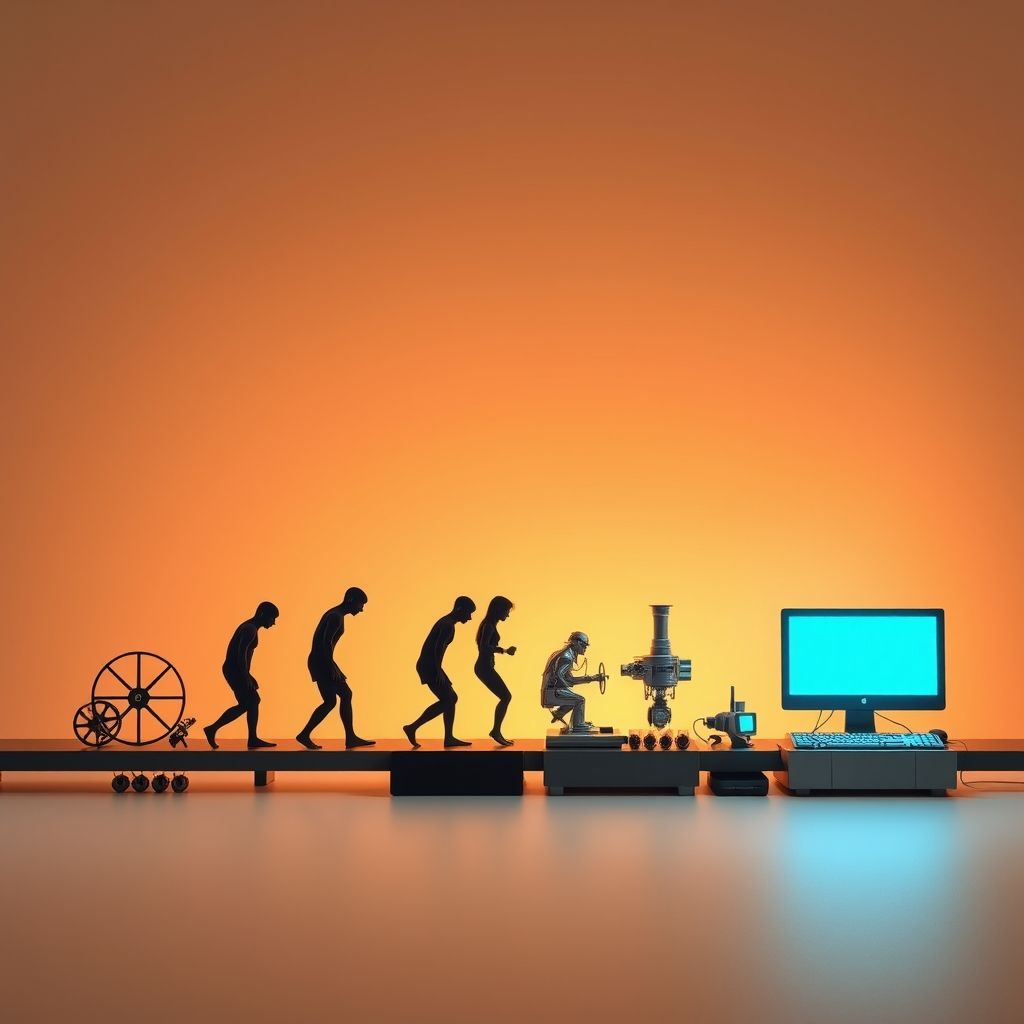
    • WR. 11C. Session 20. The Evolution of Technology: Changing Our World H5P

      This activity is for evaluation. Please, do it BEFORE July, Thur. 31.


      Available until end of 30 July 2025